Post-build launchpad
MVP landing pages — live in minutes.
Show what you built, collect signups, and share a real URL — without hiring a designer or fighting a website builder. Made for founders and developers who'd rather ship than fiddle with layouts.
Who this is for
- • Founders launching a v0 or v1 of a product
- • Developers who built something and need a page that explains it
- • Small teams skipping the agency / website-builder phase
- • Anyone who needs a real URL today, not in two weeks
What it looks like
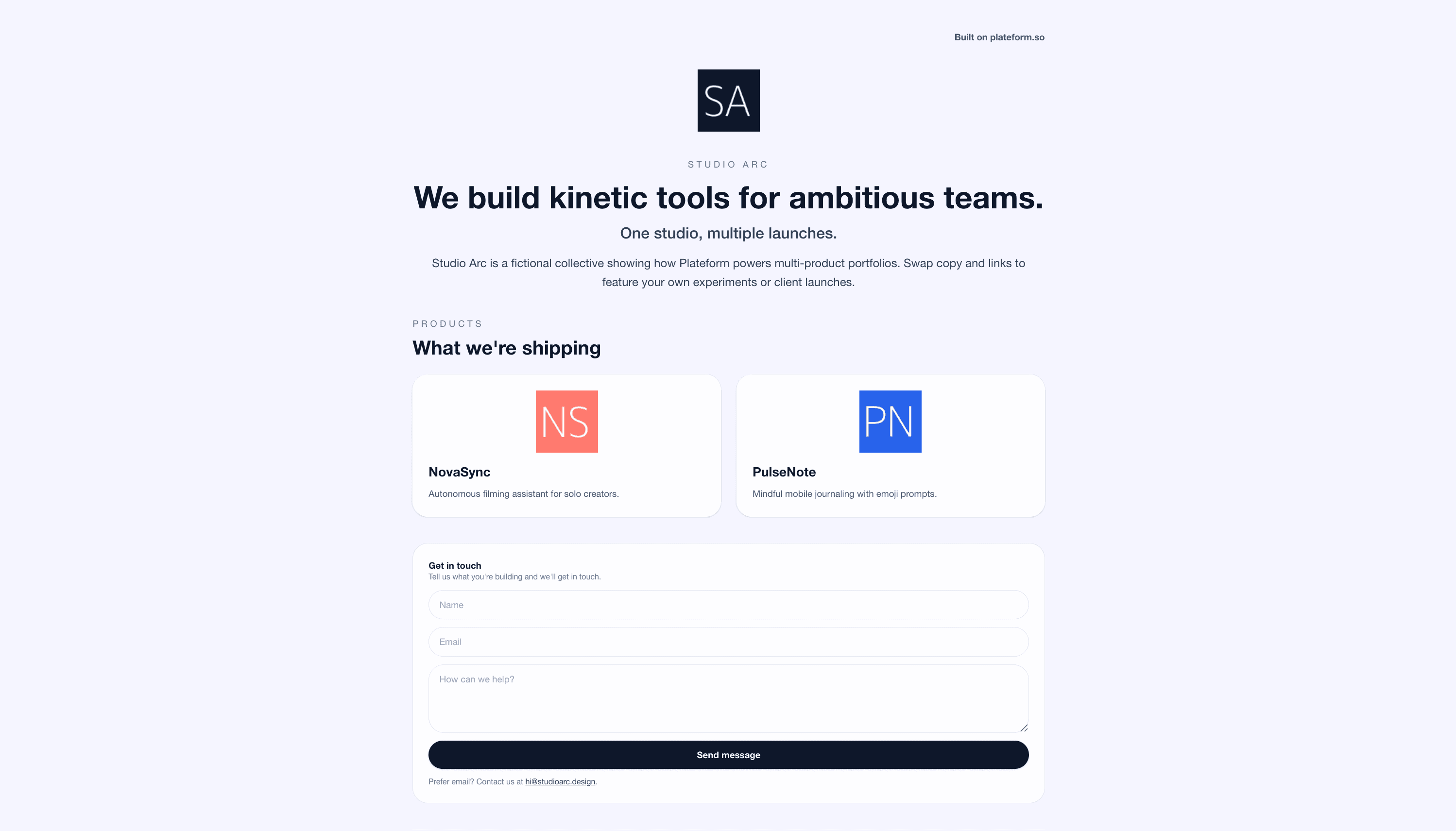
A real MVP landing page in production on Plateform. Same template you’ll get when you sign up.
How it works
From nothing to a live MVP page in five steps.
- 1Sign up with your email — no credit card needed.
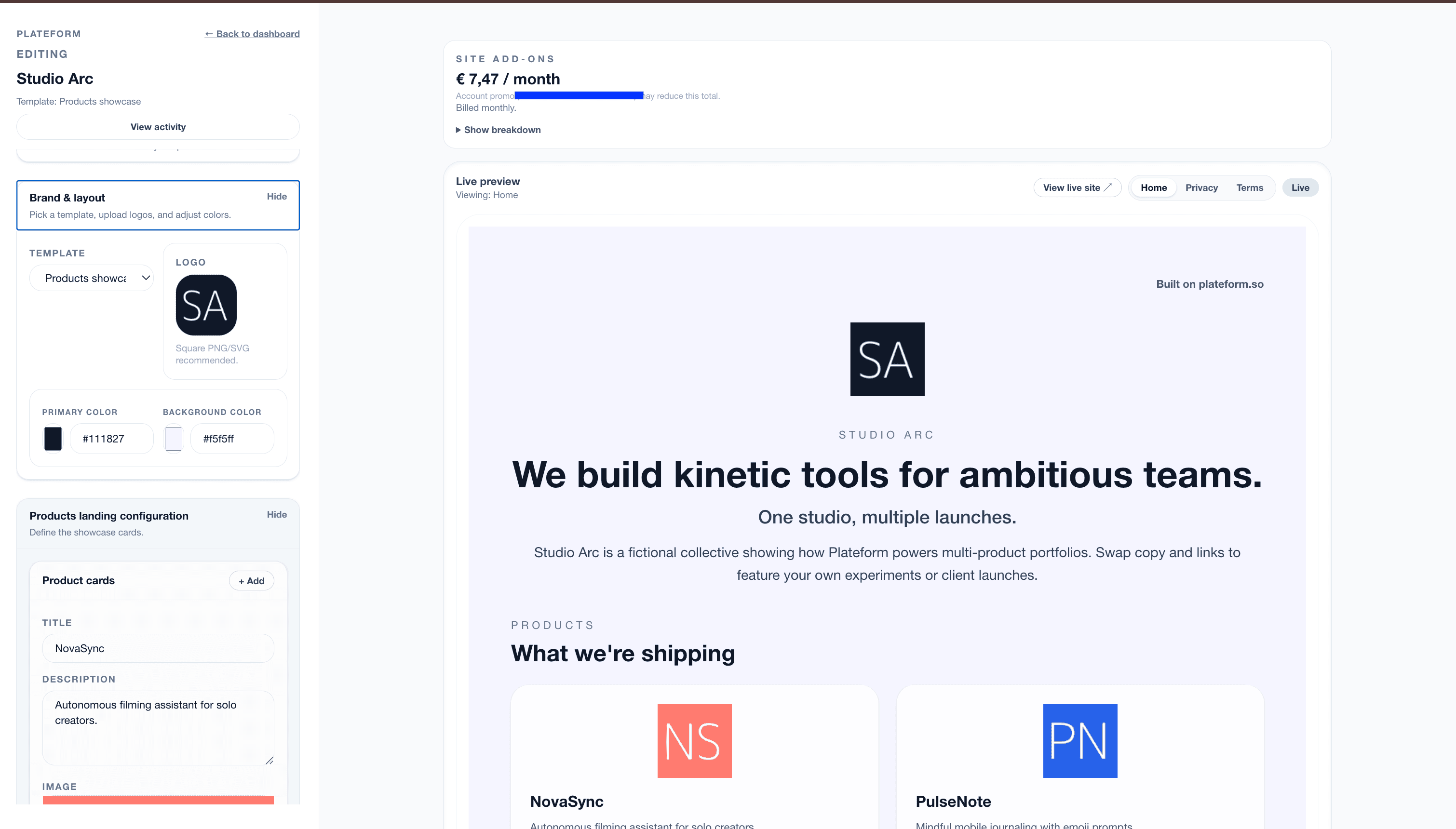
- 2Pick a template that fits what you’re shipping (product showcase, founder story, app landing, more).
- 3Drop in your headline, what your MVP does, screenshots, and a signup or demo link.
- 4Hit publish — your page is live on a real URL immediately.
- 5Connect your own domain when you’re ready to point users at it.
What's included
Everything you need to put your MVP in front of people.
A real URL the moment you hit publish
No deploy pipeline, no DNS to wrestle with. Your MVP has a live page on a Plateform URL within minutes — share it, post it, hand it to investors.
Privacy and terms pages out of the box
Signup forms collect emails. Emails mean GDPR. Every Plateform page ships with privacy and terms already in place — one less thing to write.
Templates for whatever shape your MVP takes
Software product, mobile app, founder story, waitlist — pick the layout that fits. No blocks to drag, just fill the form.
Custom domain when the MVP turns into a product
Start on a free Plateform URL. When you’re ready for myproduct.com, point your DNS at Plateform — takes a few clicks.
FAQ
Common questions.
What is an MVP landing page?
An MVP landing page is the first public-facing page for a minimum viable product. It explains what the product does, who it’s for, and gives visitors a way to sign up, request access, or download — usually before the product is fully built or polished.
Do I need an MVP landing page if my product isn’t ready yet?
Yes — a landing page is often the first thing you build. It lets you collect interested users, test messaging, and gauge demand before you finish the product. Many MVPs ship the landing page weeks before any working code.
How is this different from validating a startup idea?
Idea validation comes earlier — you’re testing whether a problem is worth solving, often with a waitlist or a single-claim page. An MVP landing page comes after you’ve started building: it shows what the product actually does, with screenshots, features, and a clear call to action.
Can I switch templates after I publish?
Yes. Your content stays — the template you publish under just controls layout. Try one, see how it reads, switch if it doesn’t fit. Editing is form-based, so swapping templates doesn’t mean starting over.
Related
Other situations Plateform fits.
Ready to publish?
Free to start. Your MVP has a real URL the moment you hit publish.